Best video editor apps for Android
Edit Reels, Shorts and TikToks like a pro on your phone. We compare the most popular Android video editors, from beginner-friendly to pro-level, and say who each one is best for.
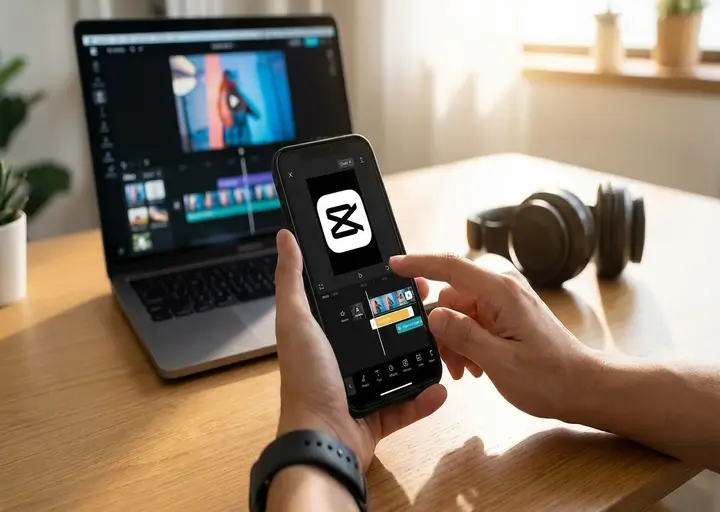

CapCut
Bytedance · Video editor
Trending templates, automatic captions, beat sync and AI effects make CapCut the fastest way to turn clips into a polished short video for TikTok, Reels or Shorts.
Get it on Google PlayAll video editors
Tap a card to open the official Google Play page.
Templates, auto captions and effects for Reels & TikTok

Multi-layer timeline editing with chroma key

Motion graphics, keyframes and animation

Quick trims, music and text for social posts

Clean multi-track editing for beginners

Effects-rich editing with stabilizer tools

Trim, merge and speed up clips fast

Slideshows and music videos in minutes

Easy editing with built-in music and filters

Fun transitions and effects for short videos

Retouch and enhance faces in videos
Nothing matches. Press Enter to search all our guides.
How to choose a video editor
For quick social videos with trending templates and auto-captions, start with CapCut or InShot. If you need multiple layers, green-screen (chroma key) or precise keyframes, KineMaster, PowerDirector and Alight Motion give you a real timeline like a desktop editor.
Check two things before you commit: whether the free version adds a watermark on export, and the highest export resolution you need (1080p or 4K). Every editor here can be installed for free from Google Play.
Video editors: latest guides
- Alight motion mod apk
 Alight Motion MOD APK (2026) – Unlocked Features, Zero Risks, All Premium Experience on the Move! App Name…
 - Kinemaster Mod APK
 KineMaster Mod APK Download (No Watermark + Premium Unlocked Latest Version 2026) Nothing kills the editing flow faster…
 - CapCut Mod APK
 Download CapCut Mod APK Free Latest 2026: Premium Unlocked, No Watermark! Download CapCut Mod APK Latest Version (2026)…
Questions & answers
What is the best free video editor for Android?
CapCut is the most popular free choice for short social videos. VN Video Editor and YouCut are also free and easy to learn.
Which video editor is best for TikTok and Reels?
CapCut, because of its trending templates, auto captions and beat sync. InShot is a lighter alternative for quick edits.
Which Android editor has green screen (chroma key)?
KineMaster, PowerDirector and Alight Motion all support chroma key for replacing a green or blue background.
Can I export 4K video on my phone?
Several editors, including CapCut, KineMaster and PowerDirector, offer 4K export on supported phones. Some features may need a paid plan.